← Dreamy Y2K home
Y2K FILTER ONLINE
Y2K filter online: six 2000s looks for any selfie
Upload a selfie, choose one of six Y2K looks and download the result. It runs in your browser, so there is no app to install.
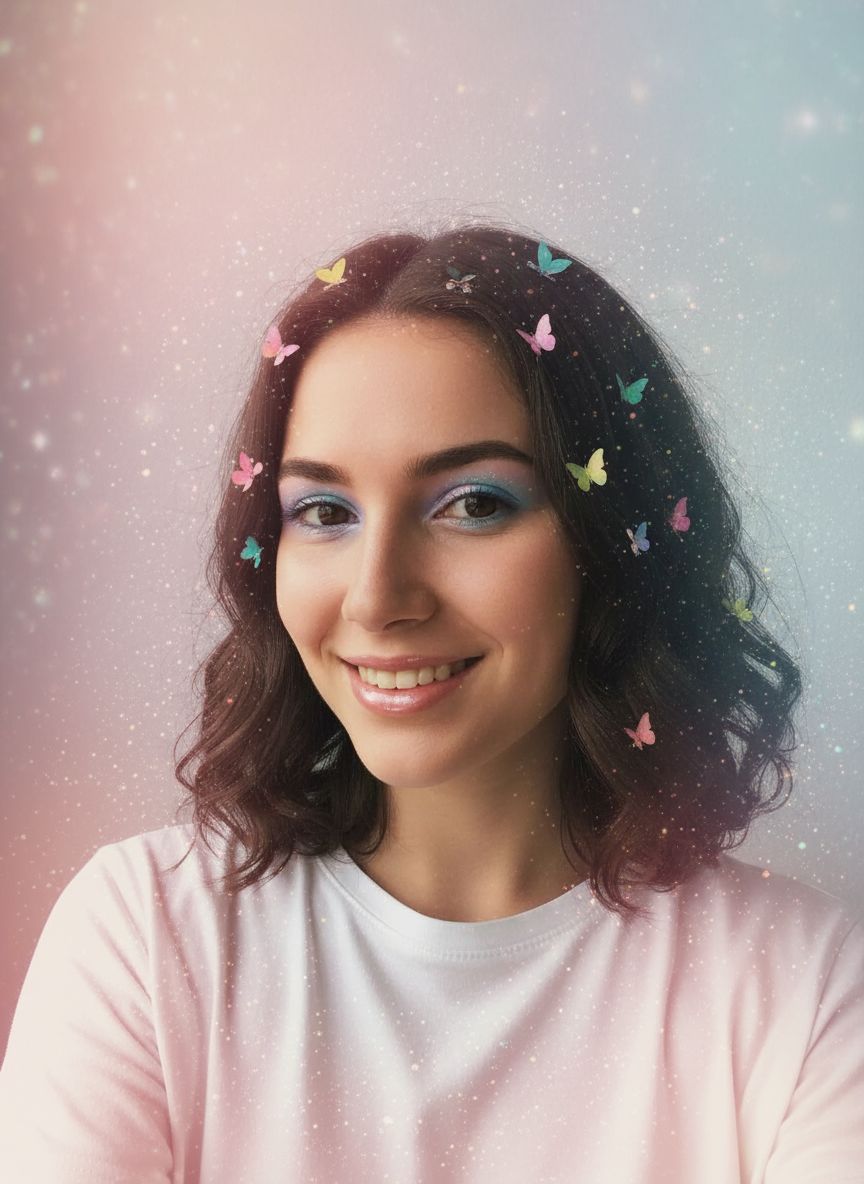
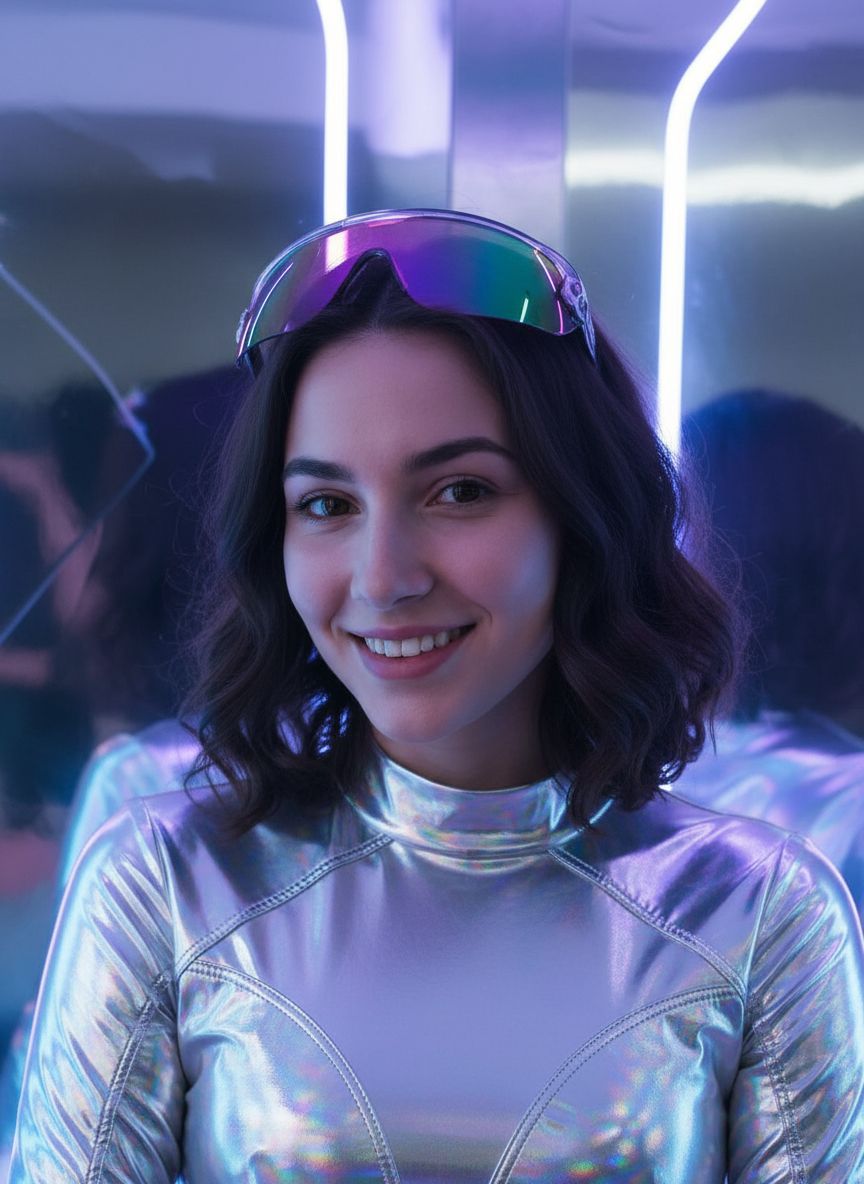
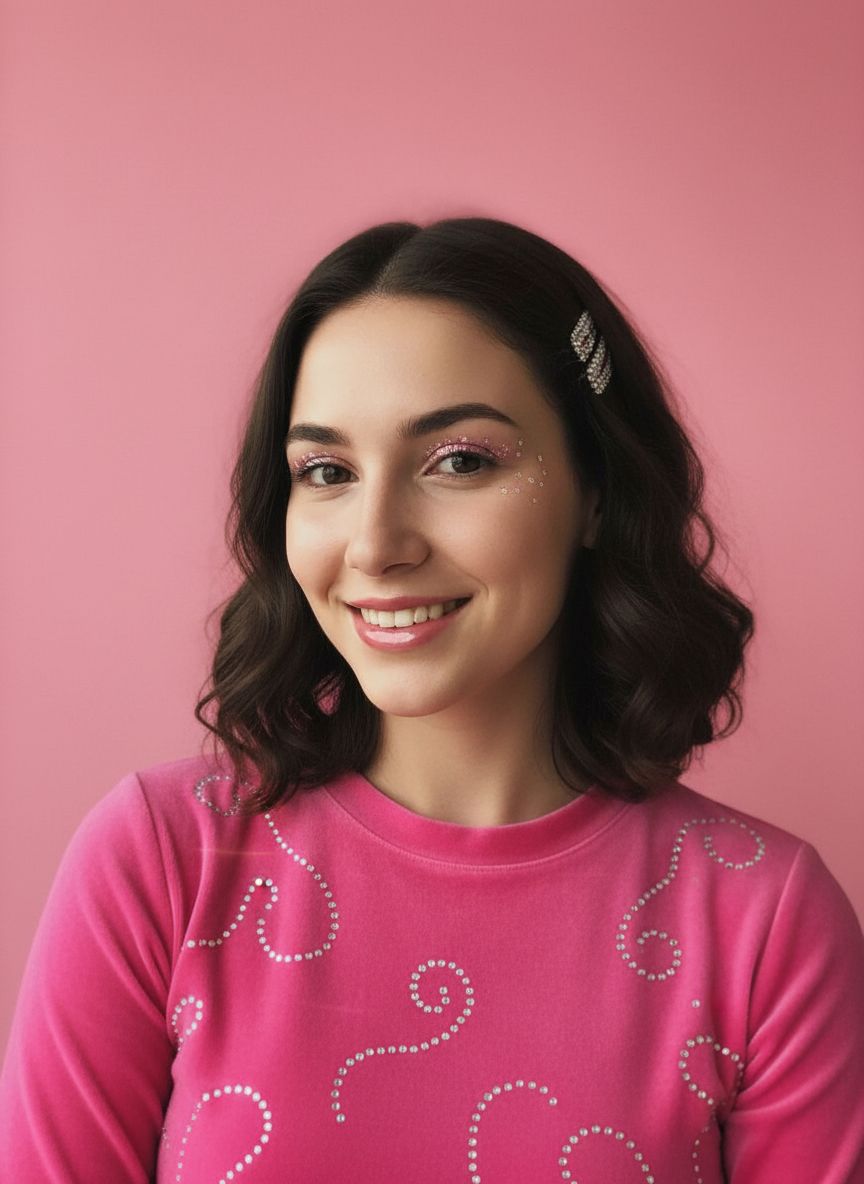
Six Y2K filters, one selfie
Every example below started from the original photo in the first card.
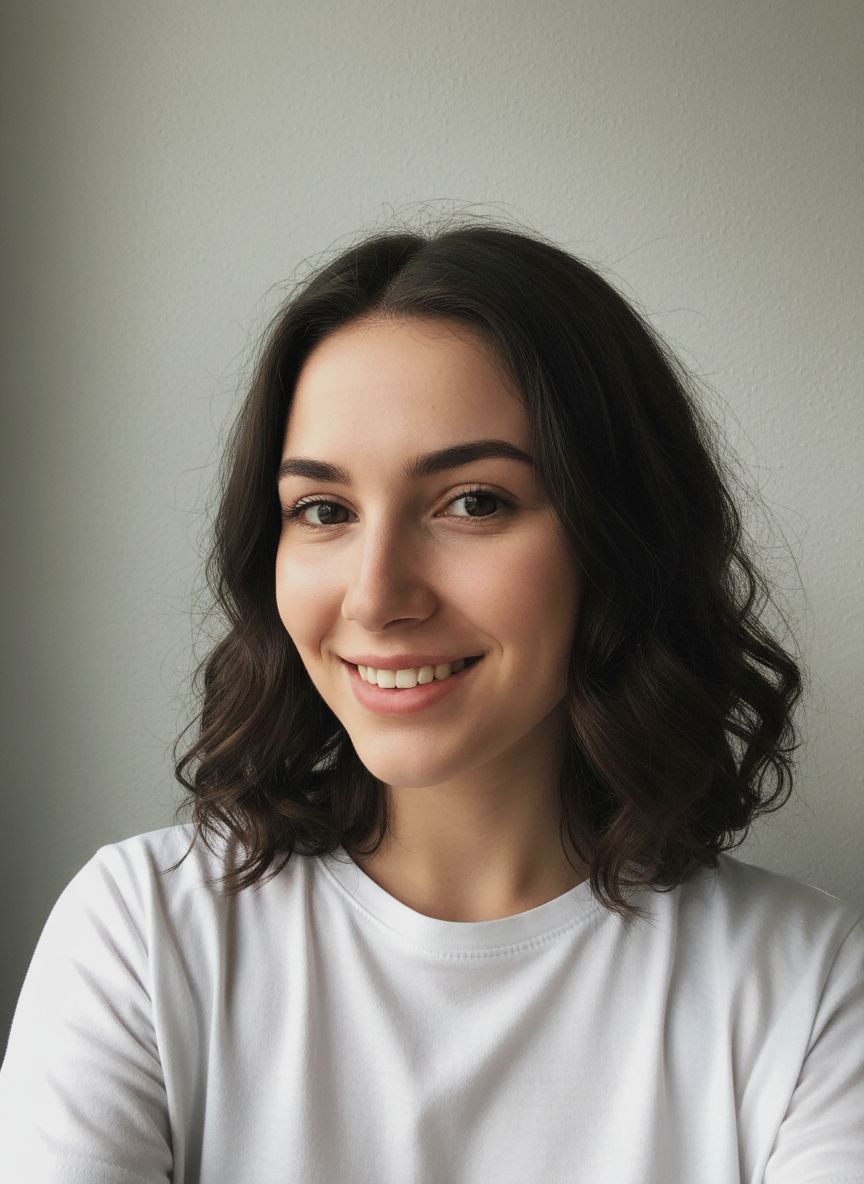
Original
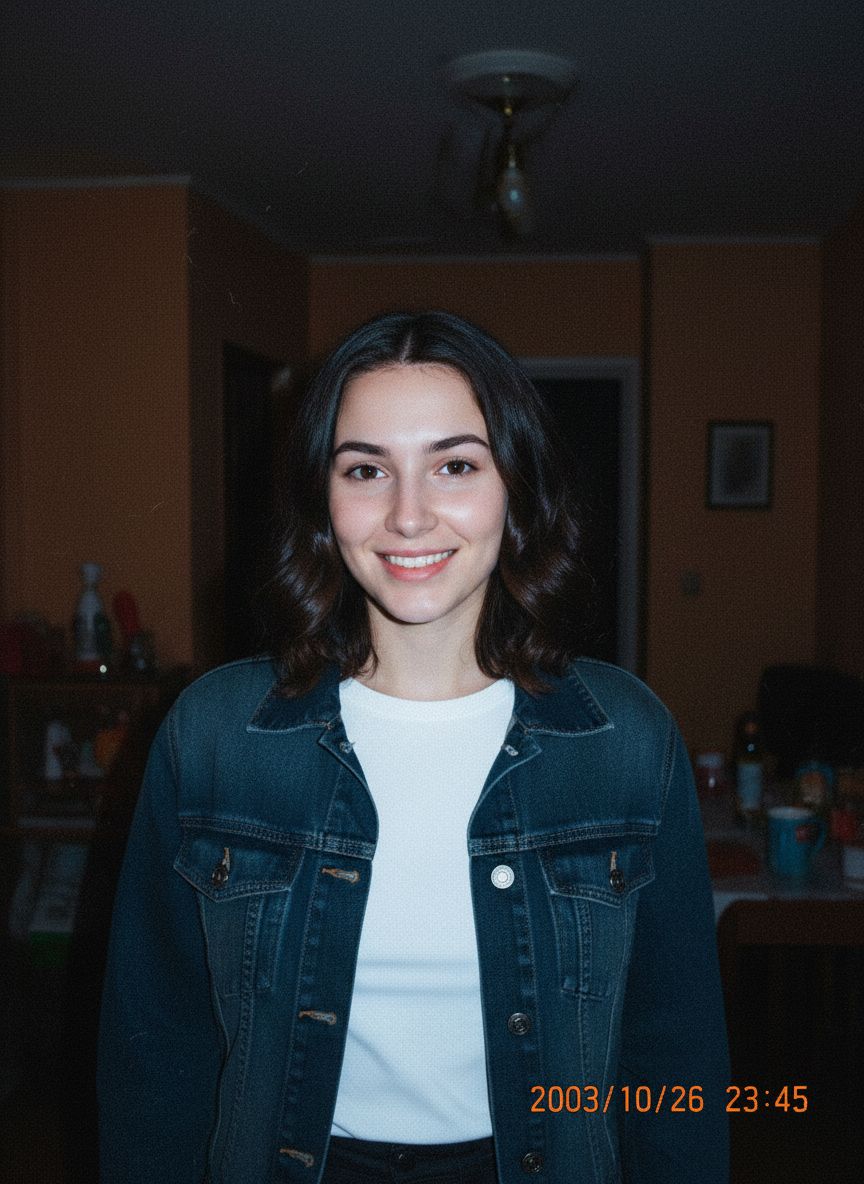
Digicam Flash
Butterfly Clip
McBling Pink
Chrome Cyber
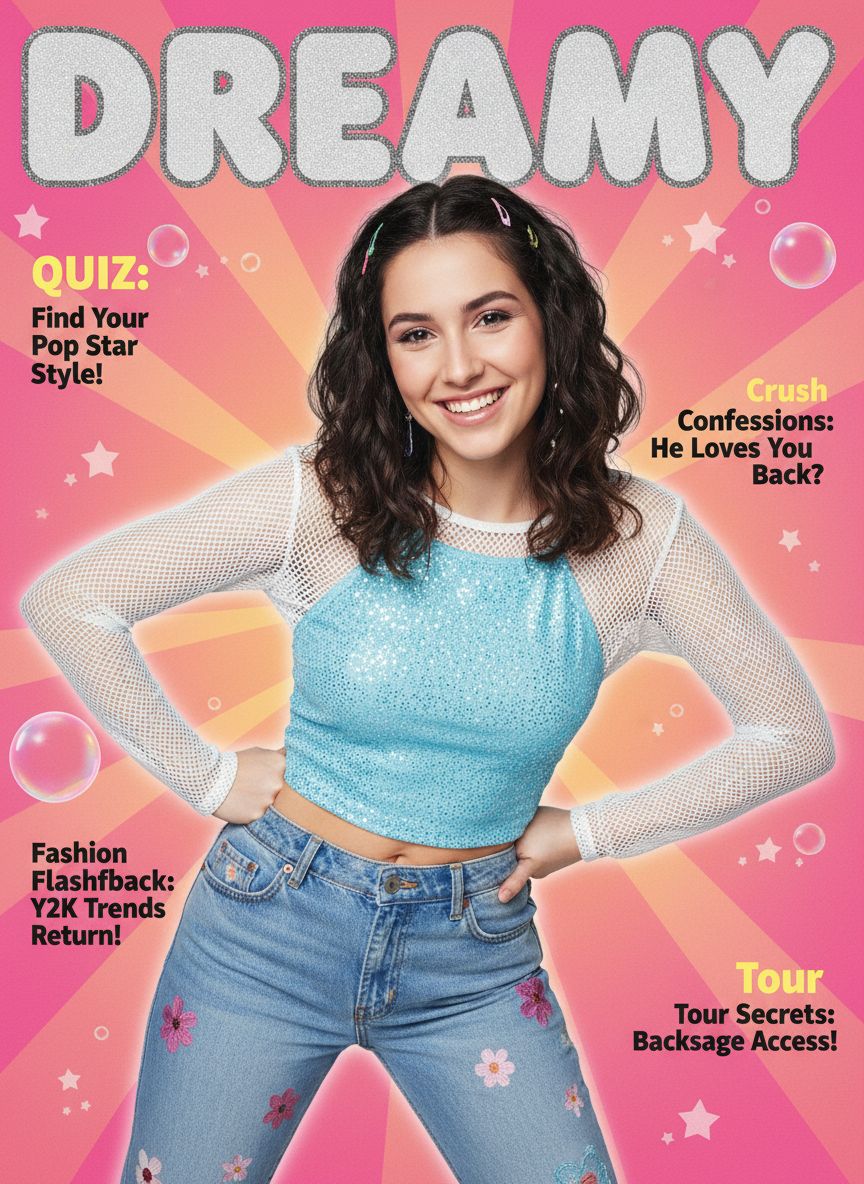
Y2K Magazine Cover
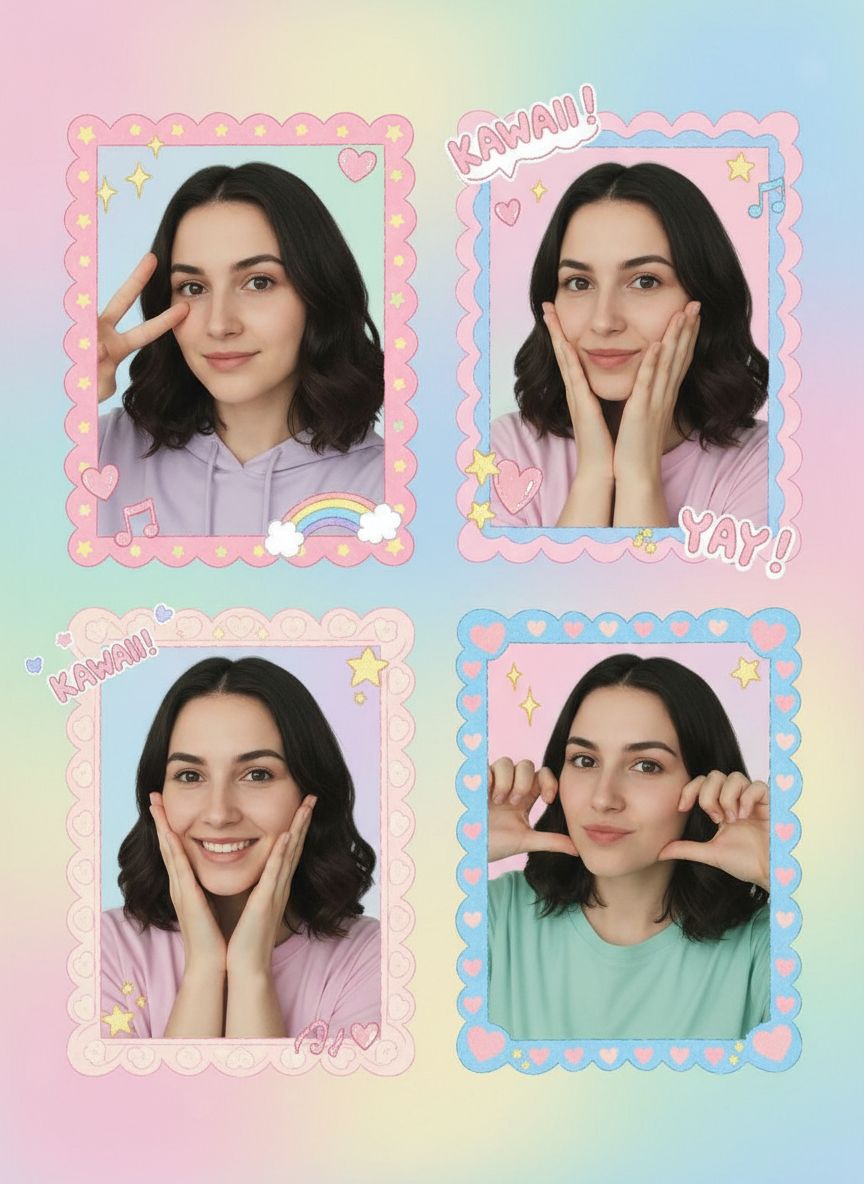
Purikura
- Upload a selfie
Digital camera filter guide →Y2K PFP maker →Purikura online →
How to use the Y2K filter
- 01
Upload a selfie
A clear, front-facing photo works best.
- 02
Pick a look and size
1:1 for a profile picture, 9:16 for a story or wallpaper.
- 03
Download
Your result is saved privately in your account.
Y2K filter FAQ
- Is the Y2K filter free?
- Eligible new accounts receive 3 starter credits after email verification, and each photo uses 1 credit. More credits are a one-time purchase with no subscription.
- Do I need to download an app?
- No. Dreamy Y2K works in your browser on phone or desktop.
- Will the filter keep my photo exactly as it is?
- No. The AI recreates the image in the chosen look, so clothing and background may change. Your face is kept recognizable, but results vary between generations.
- What happens to my photo?
- Your original photo is resized on your device and used only to create your image. Dreamy Y2K does not save it; only the result is stored privately in your account.